

01
Send to your devices
Sign in on your phone, computer, or browser and choose exactly where each item should go.
Text, images, and files
Send text, images, and files to your own devices or directly to someone else. Choose the destination, send, and open it there.

What cliprio does
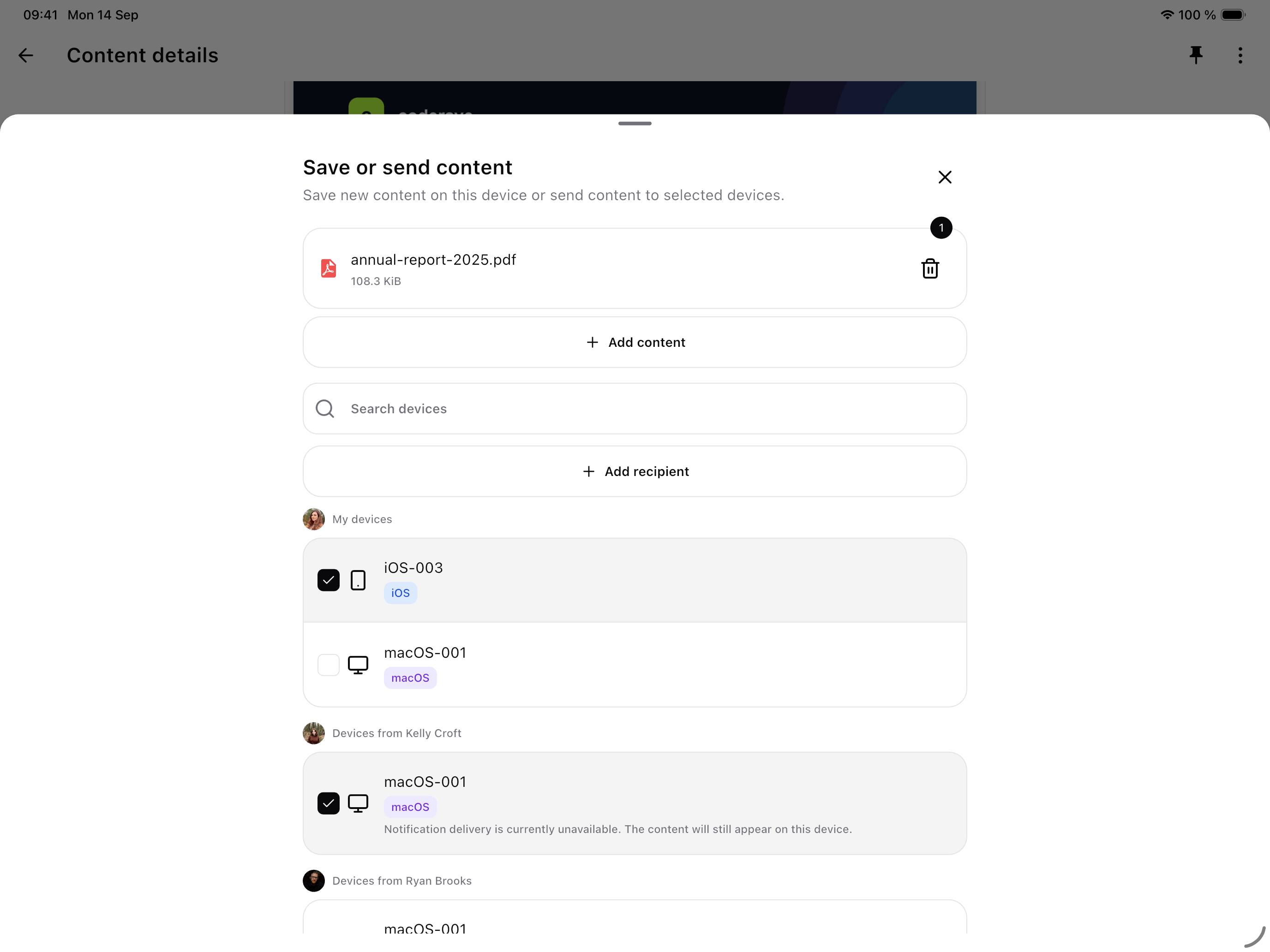
Sign in on your phone, computer, or browser and choose exactly where each item should go.
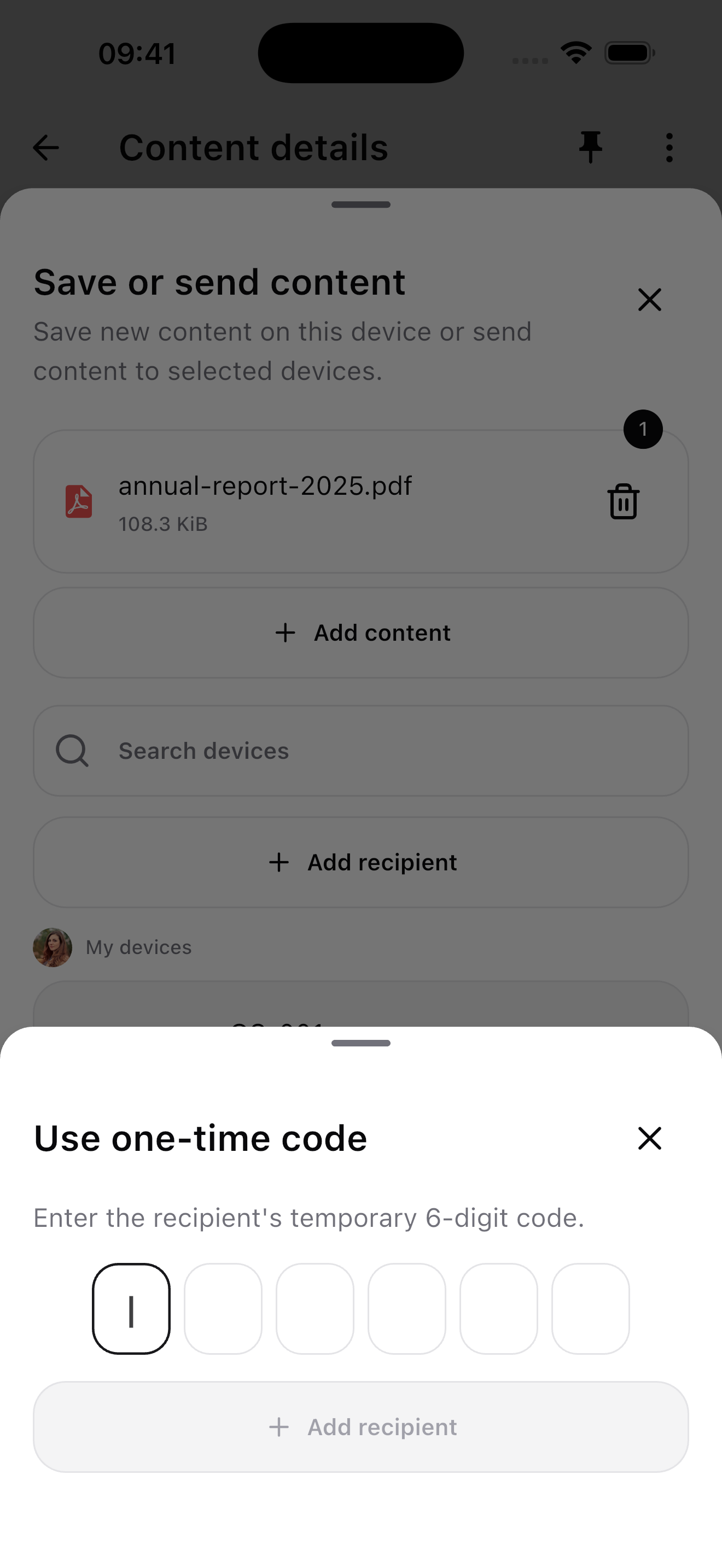
Use a temporary six-digit code to send content without permanently connecting the recipient’s device.
Set how long new content stays available, pin important items, or delete your own copy at any time.
How it works
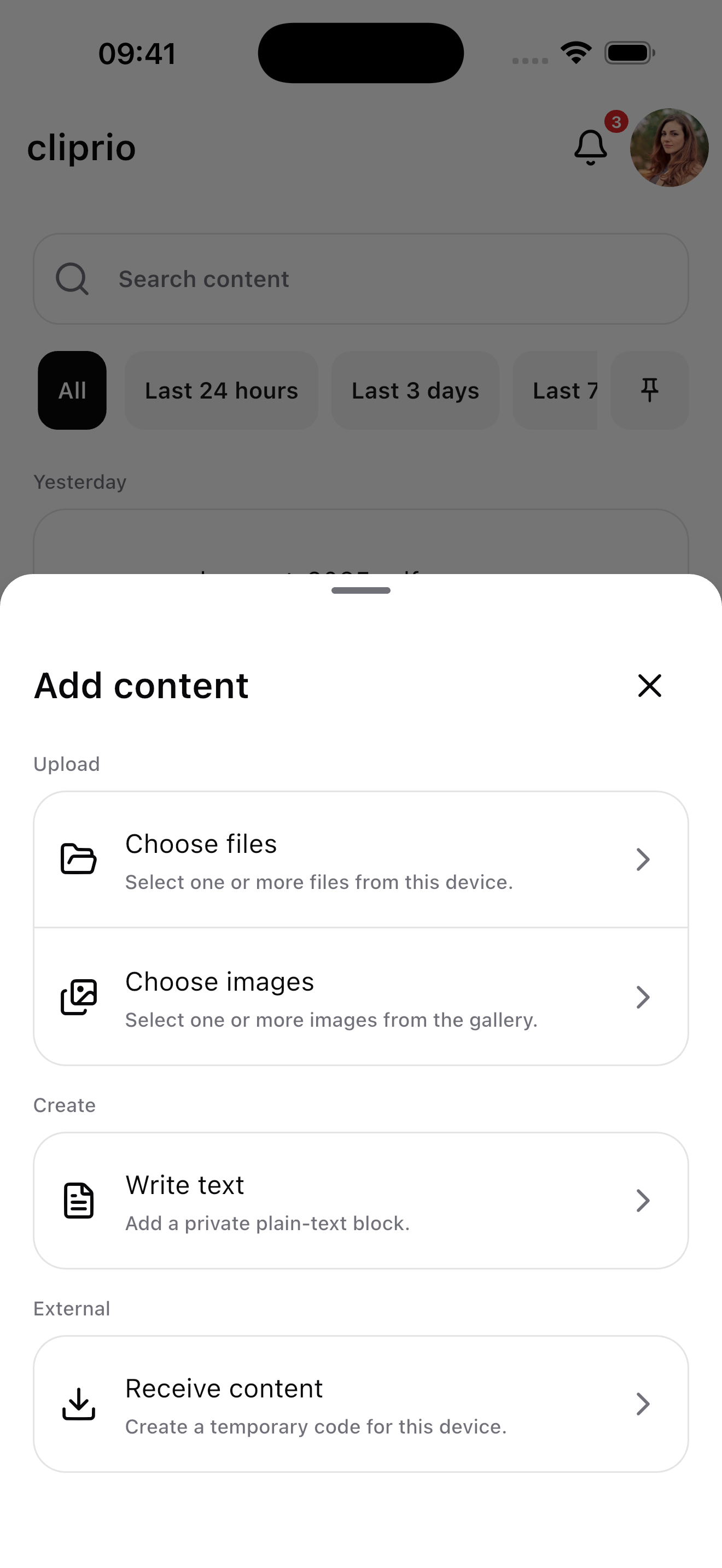
Add text or select images and files directly inside cliprio.
Choose one or more of your devices, a connected device, or enter a temporary receive code.
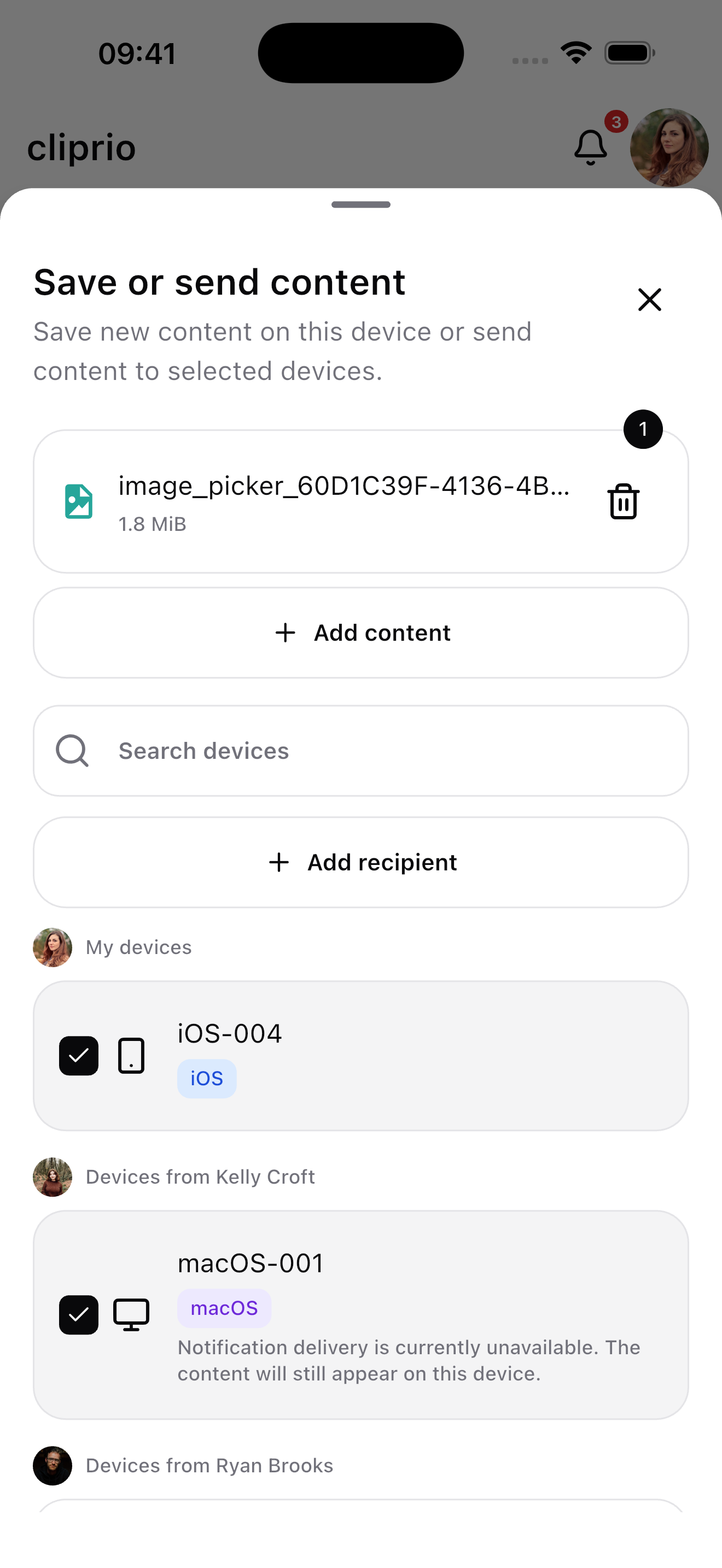
Send once. Each destination receives its own copy to open, copy, or download.
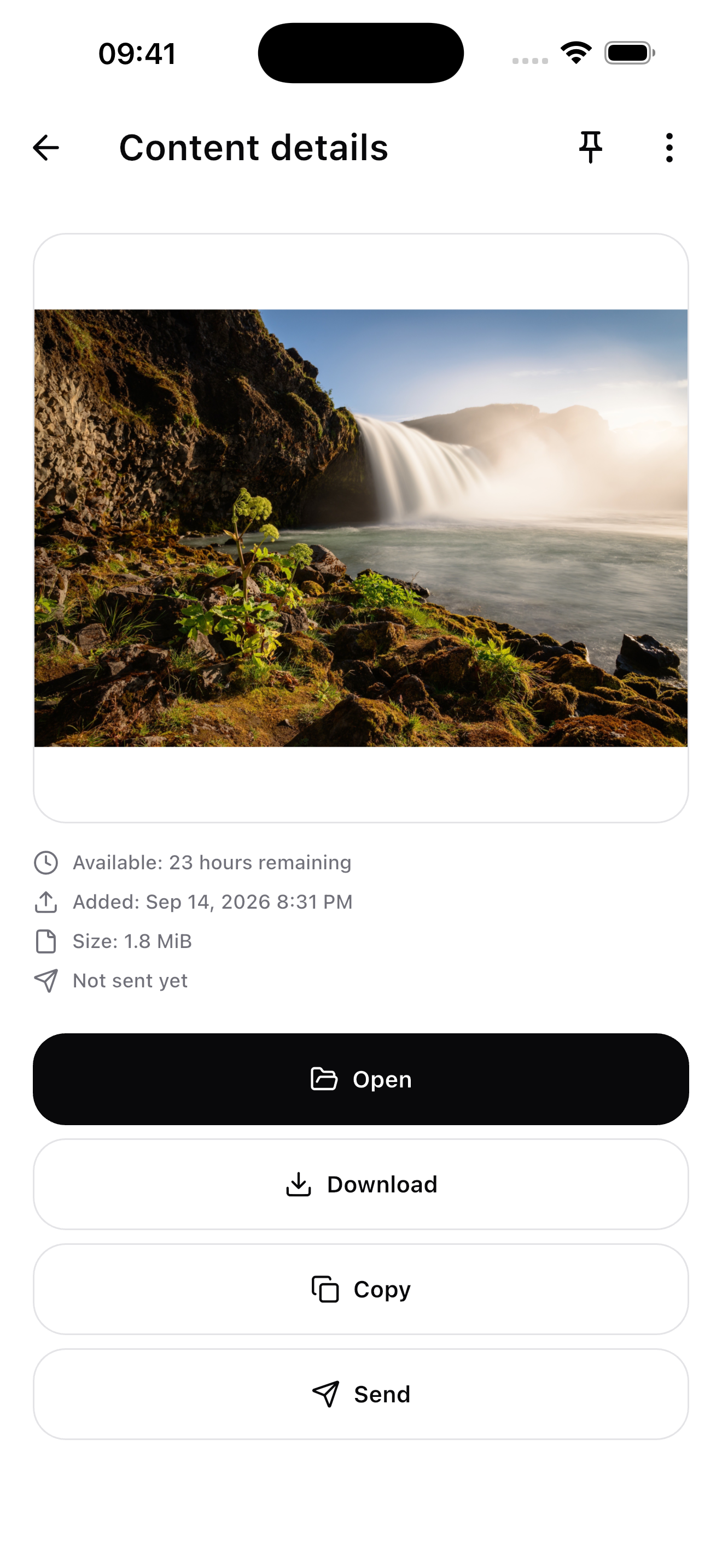
Availability
Use cliprio on the web, iPhone, Android, and macOS.
Open AppPrivacy
Only the selected devices receive a copy. cliprio never opens, downloads, or copies content without an explicit action.
Content is stored privately for the account and device that owns it
Notifications contain no content, public links, or sensitive metadata
Each destination receives an independent copy it can manage itself
Pricing
Start free, upgrade when you need more devices and capacity, or bring your organization. Core transfer, privacy, and device features are included in every plan.
For occasional personal transfers
No payment details required
For all your everyday devices
Fixed packages for organizations with 3 to 50 seats
Web prices are in USD and include applicable taxes. Monthly subscriptions renew automatically; cancellations take effect at the end of the current monthly period. App Store prices may differ and are shown before purchase.
cliprio
Open cliprio, choose what you want to send, and select the destination.
Open App